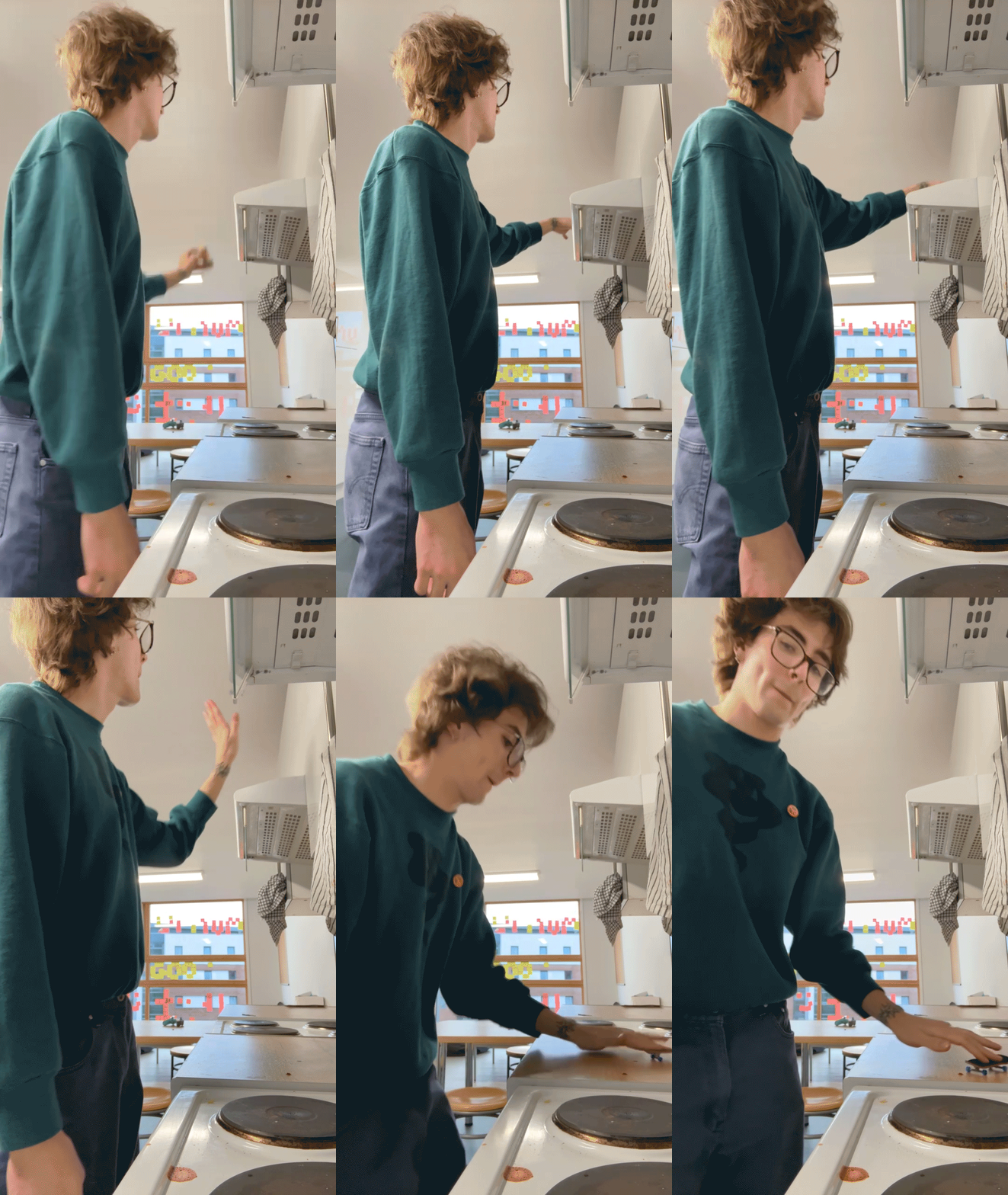
★About Me★
Cassius Butler - Broad
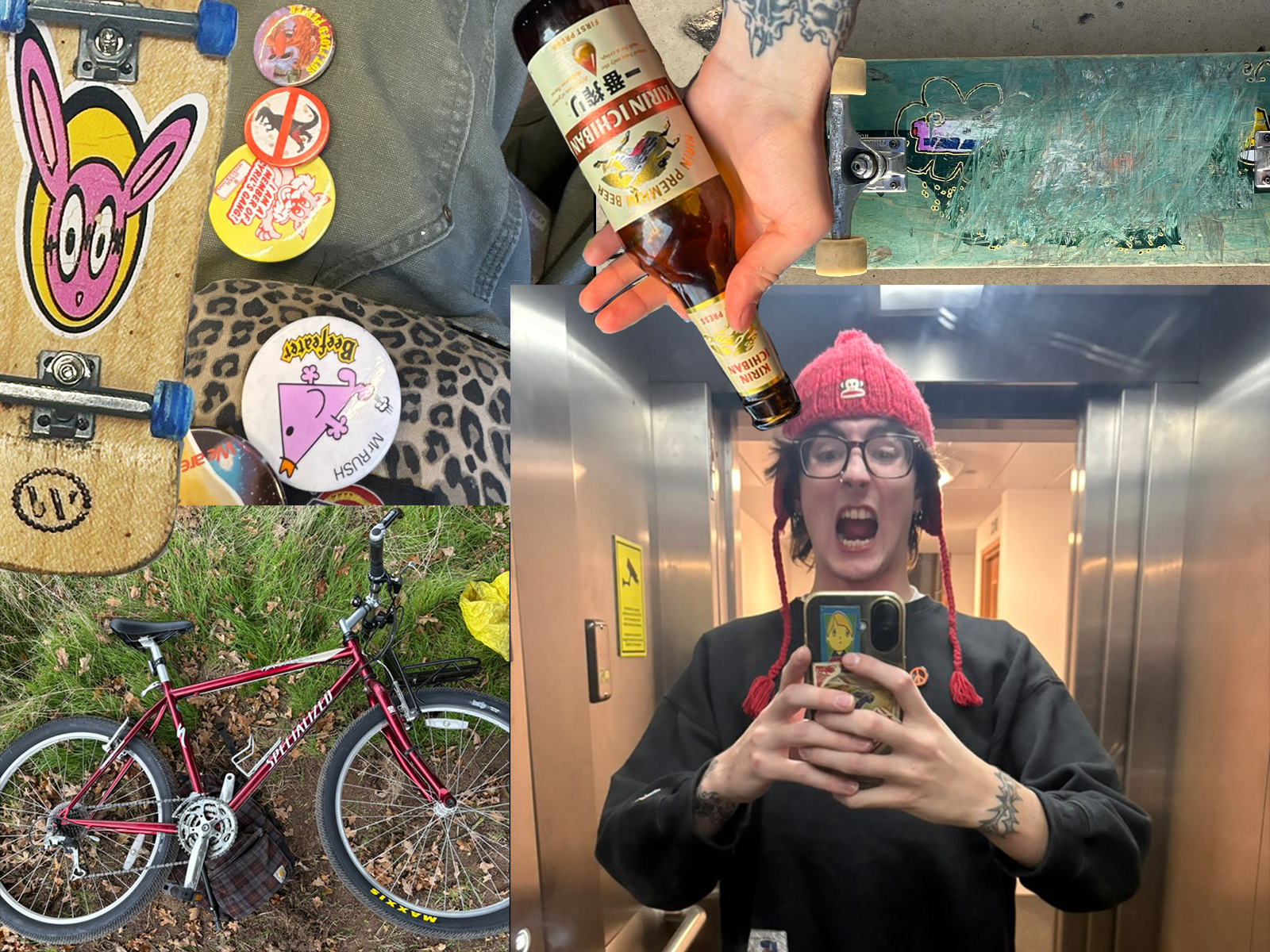
Hi ! I am Cassius, I am a first year digital media student. I enjoy allot of things including; Bikes, Skateboarding, Pin badges, strange fashion, tats, beer ! and much much more. I hope that with my degree I can work towards something I am passionate about in maybe one of these fields if not all of them, I hope to make and produce my own magazine one day where I can use my skills to present something im passionate about !
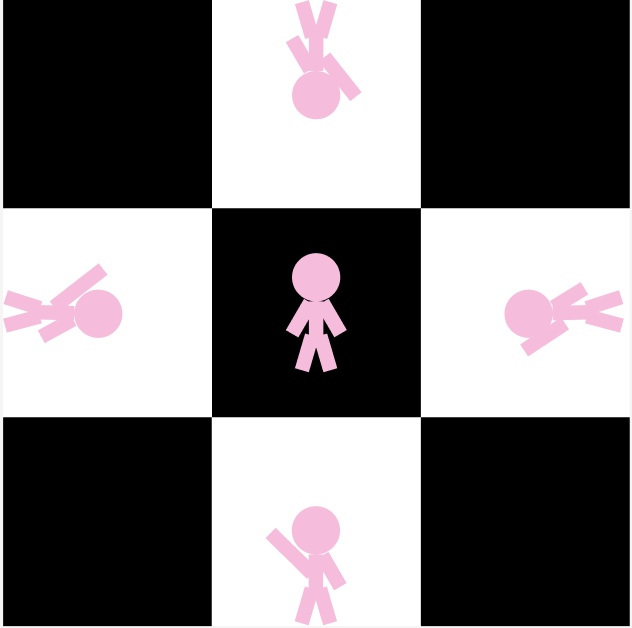
Liminal Men
This Graphic is demonstrating the usage of space in a design using the direction of there arms to point around creating a fluid connection
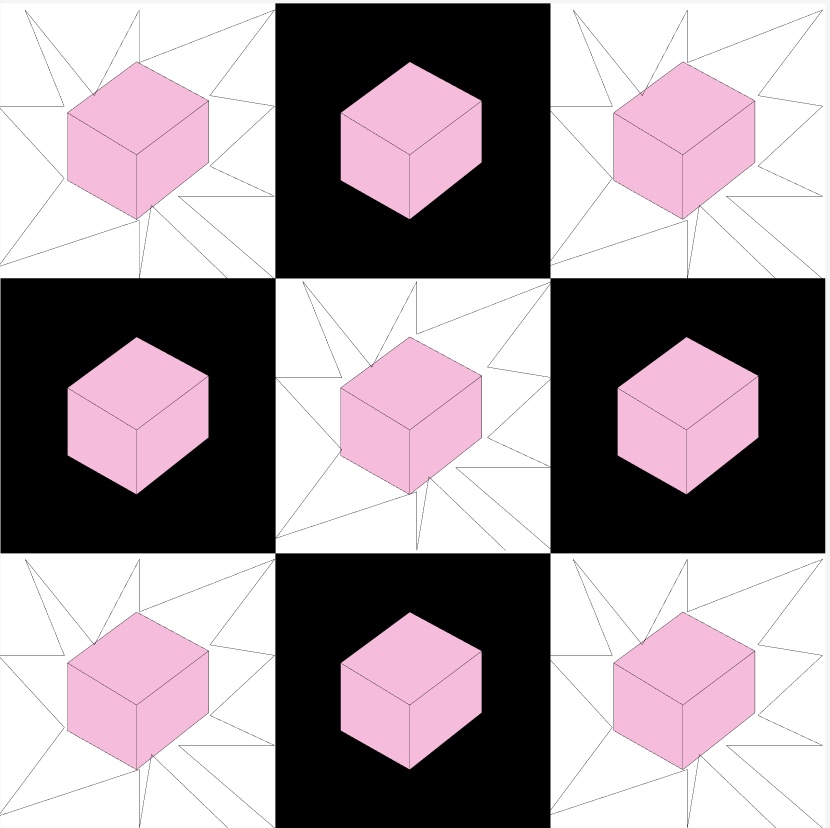
cubonic
This images the use of repetion in each frame but with slight changes it gives a stand out effect to each cube bring an interesting composition to the images
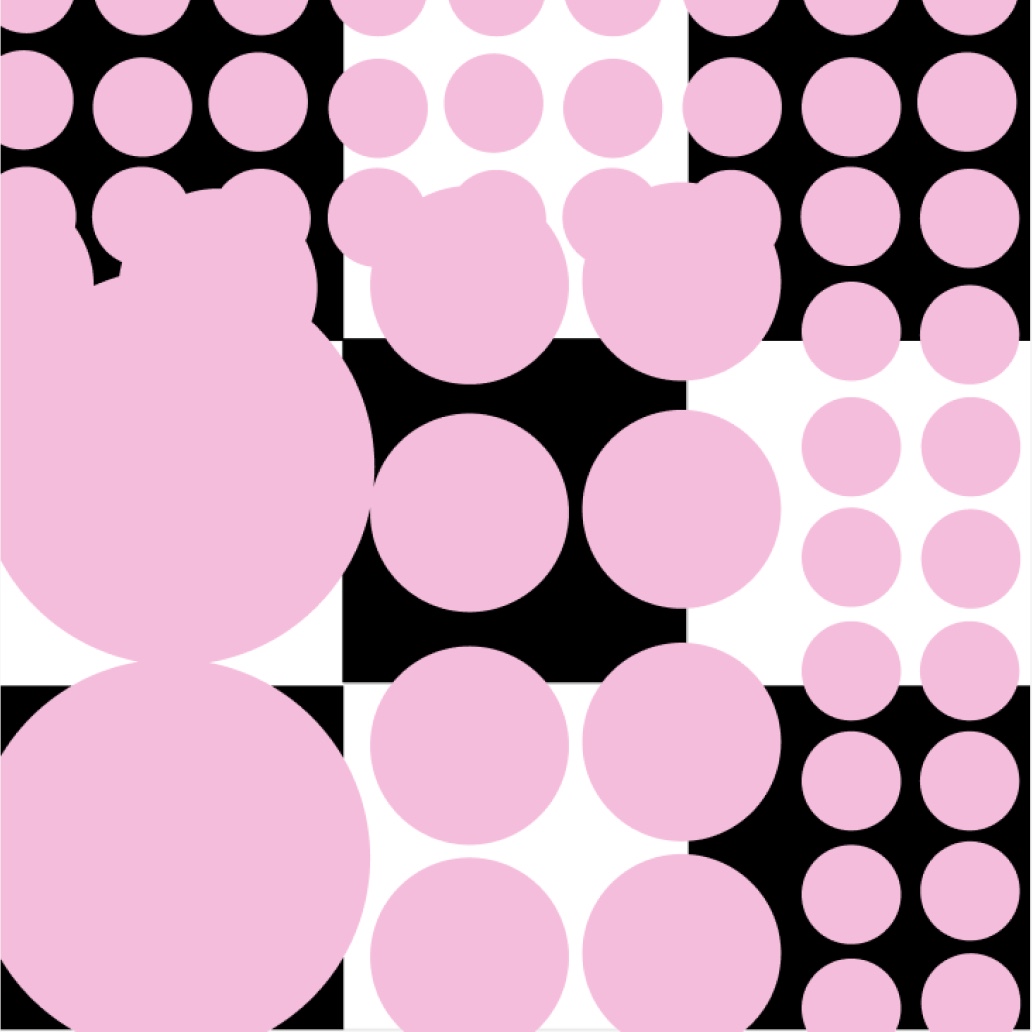
Everlasting circles
This composition uses the rules of size. It shows cirlces going from larger to bigger creating a more striking image the contrast between the back drop also emphasises the changes between the circles in the image.
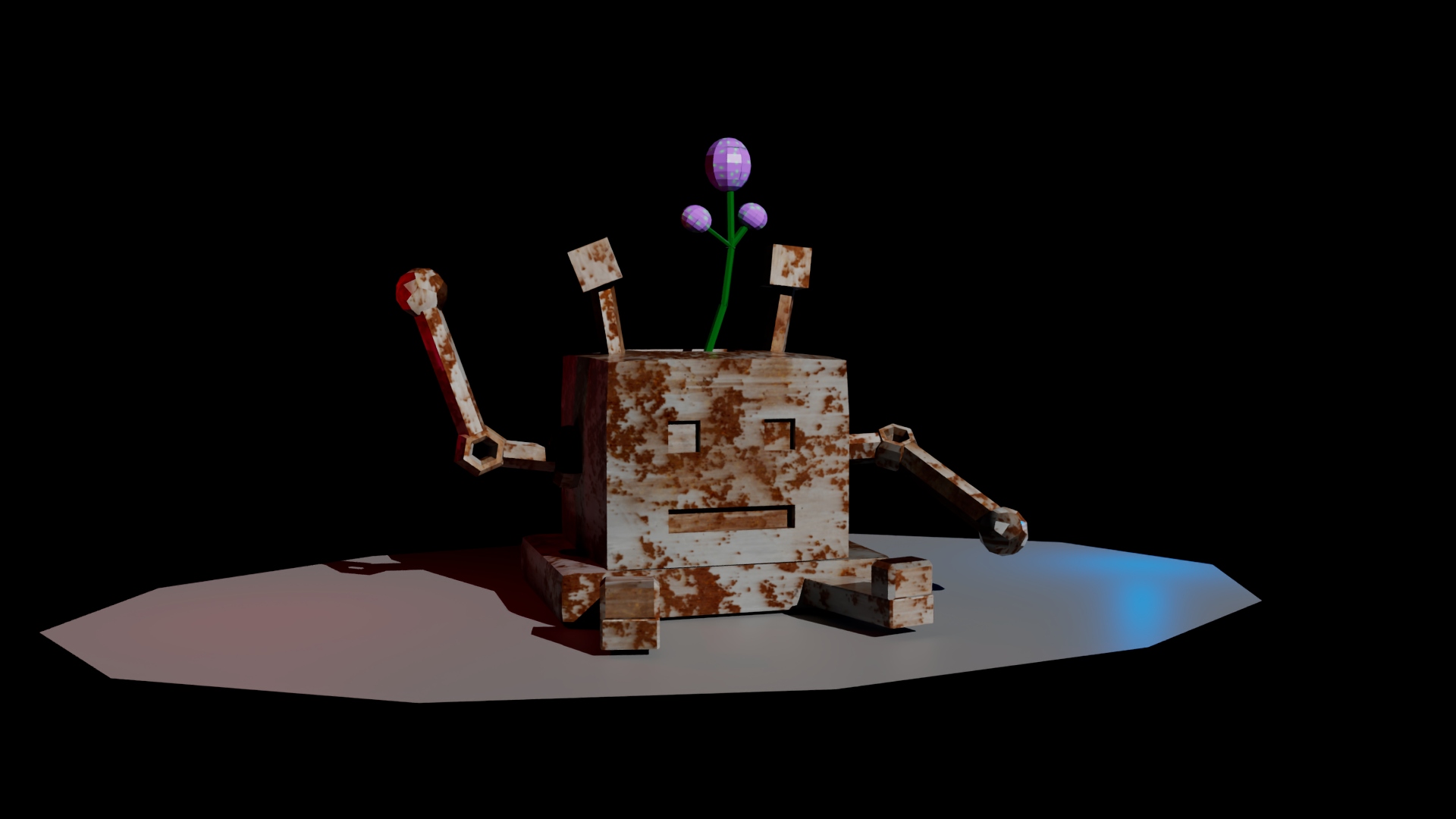
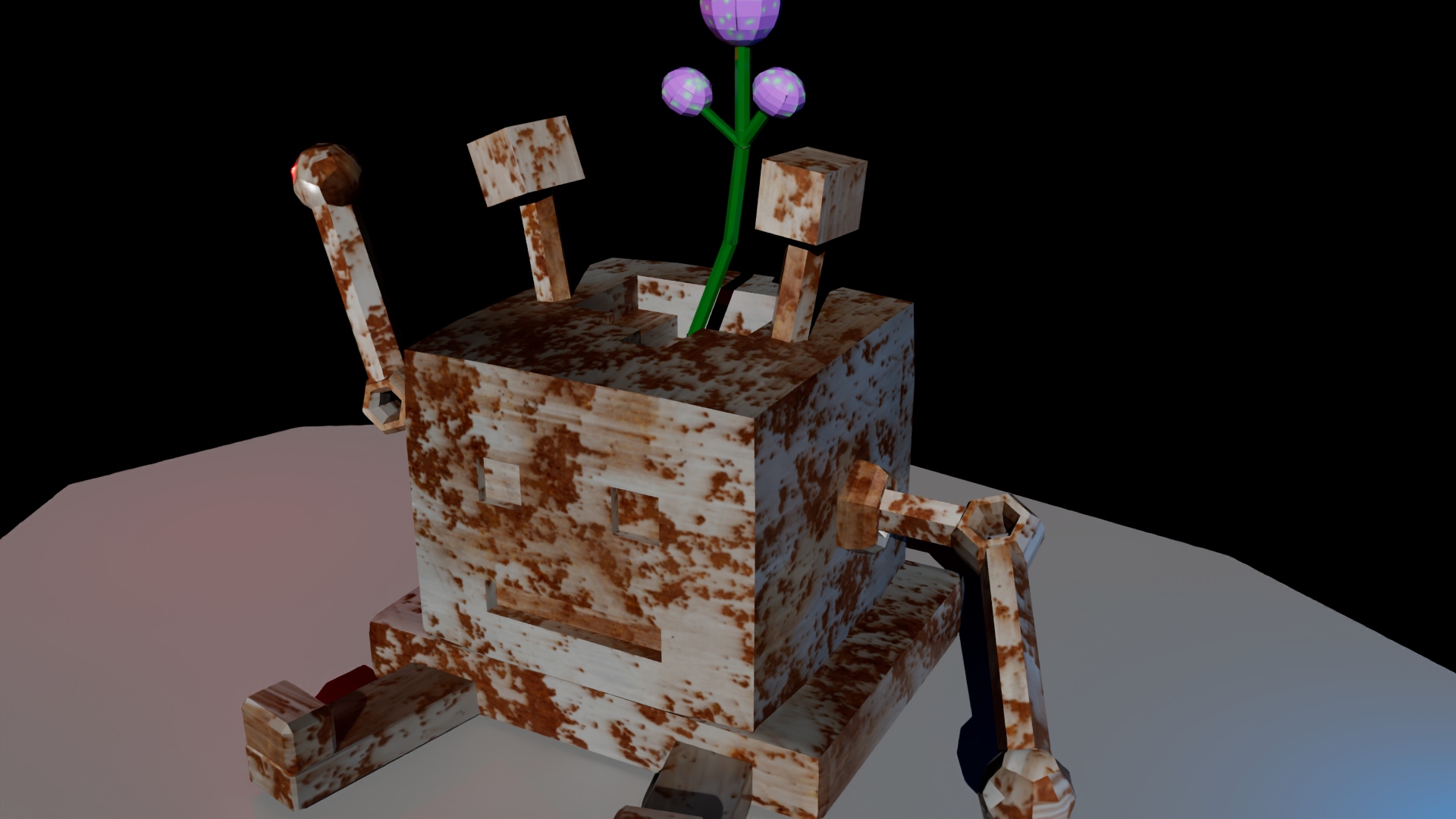
Closeup of the Robot
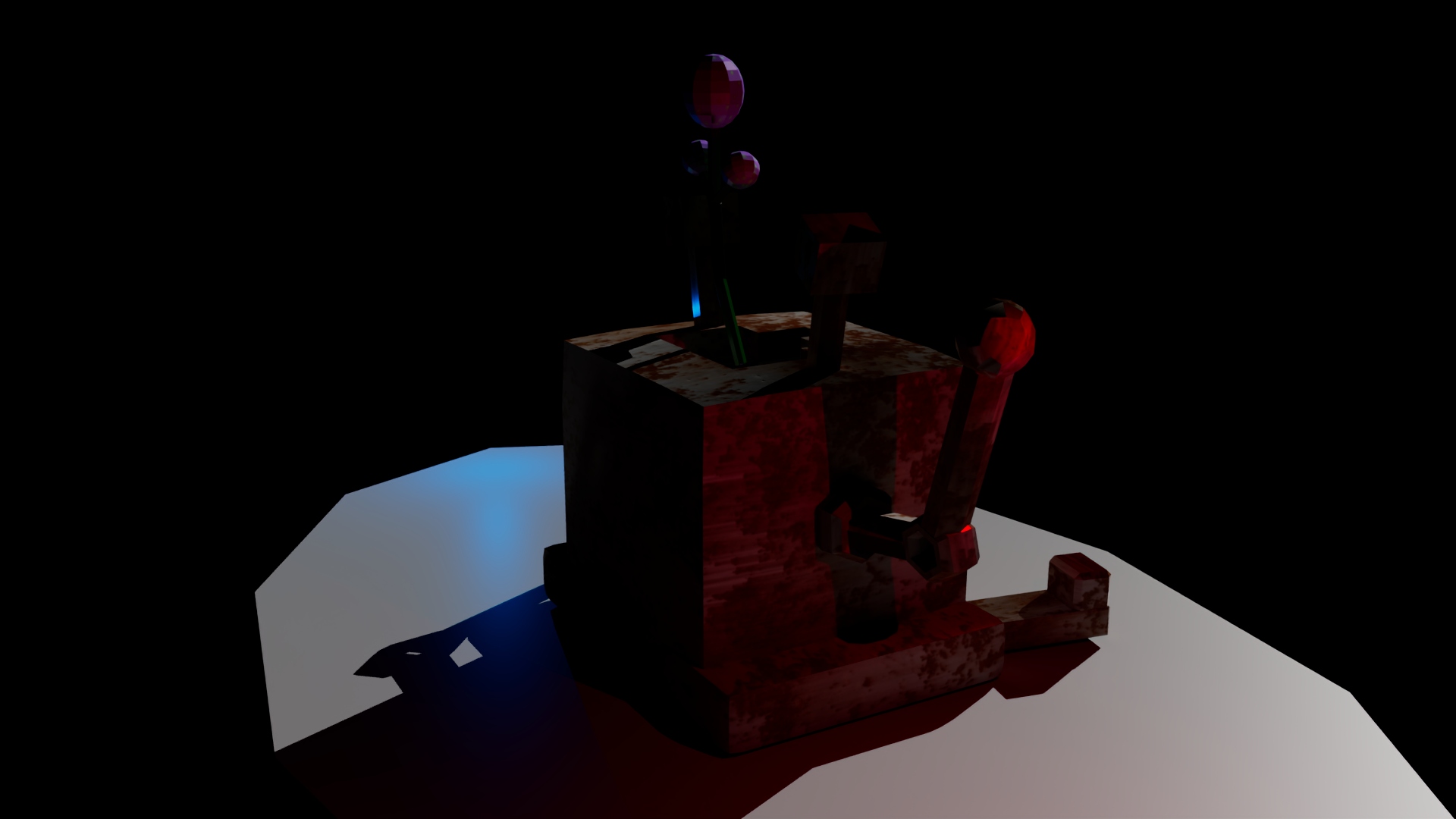
Back View
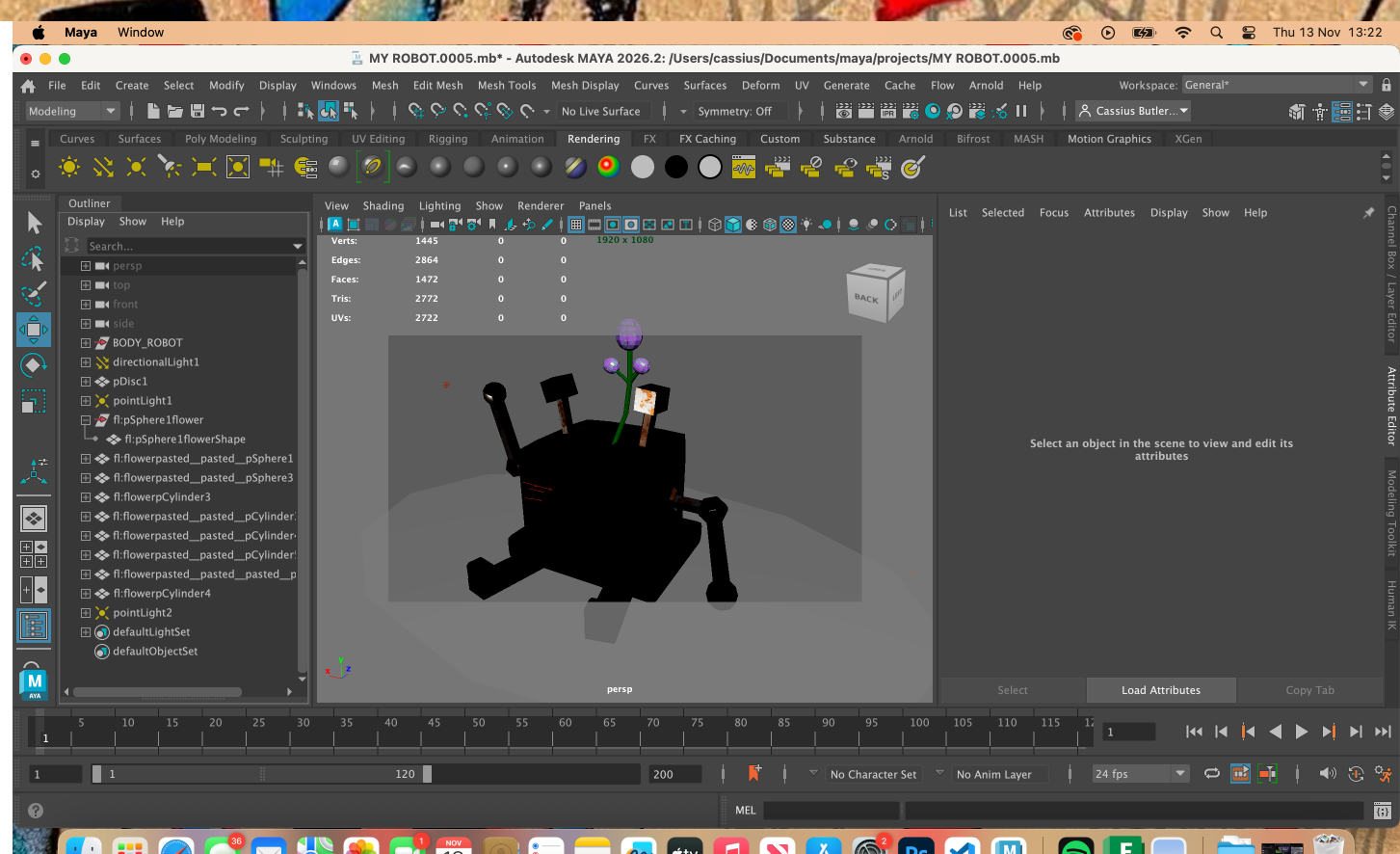
Maya Screen
★Reflection★
Reflective essay –
With my website I wanted to express some of my character with how I styled it and the components I wanted to choose. I started off by designing it using Figma making sure to have a clear style between all my pages and It gave me a great start to help with what I actually wanted to make. In my Figma design I added sidebars that were spiderwebs giving a clear aesthetic to the website. Starting off with the html and css I did struggle with what I was to do but the more I delved into it the more simple it became to me. I can now say that with this practice I am able to create and understand a clear website using the bootstrap formatting. I started off by using the bootstrap worksheet as a starting point. I added my content and replaced the images and descriptions that were already there. This gave me a clear structure to build off as I was able to reuse the content I already had to add in more. I decided I wanted to add a navbar that was interactive to take you to different parts of a page, using the